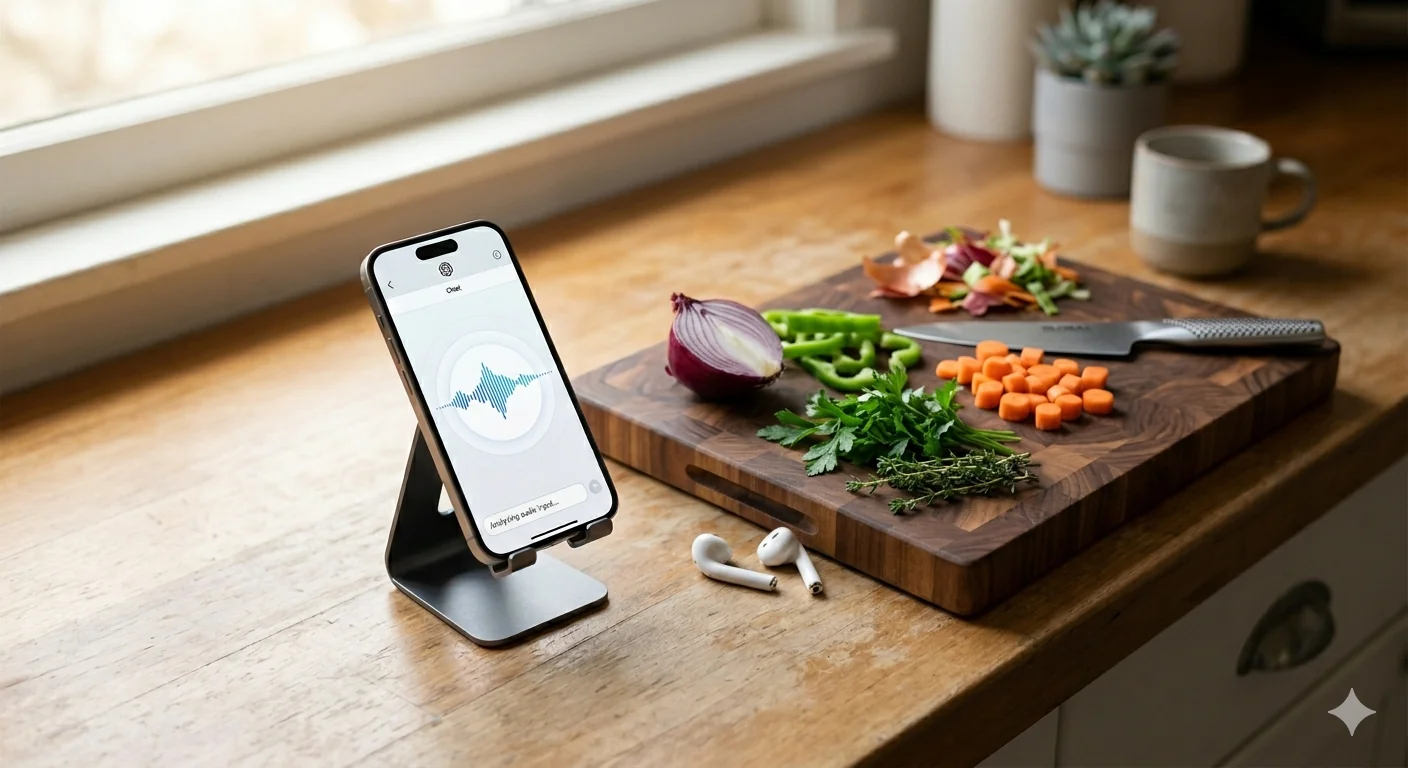
Optimizing Human I/O
Published on 4/2/2026
•4 min read
•Optimizing human I/O means treating yourself as a system with input and output channels — and matching those channels to your physical context rather than assuming all productive work requires a desk. Voice input handles idea capture when your hands are busy. Voice output handles review and research when your eyes are occupied. Matching the right modality to the right context recovers productive time that conventional workflows assume is lost.
Parts of this post were written while I was doing something else entirely.
Not metaphorically — I mean I dictated the first draft of these ideas out loud while my hands were occupied, had a conversation with an AI about how to structure it, then later had the whole thing read back to me while I was doing something else again. The workflow I'm about to describe is the workflow that produced it.
You Are a System with I/O Constraints
Engineers think about throughput and bottlenecks all the time. We profile systems, identify the slow path, and optimize around it. We rarely apply the same thinking to ourselves.
But you are a system. You have input channels — eyes, ears — and output channels — hands, voice. Each has a different throughput depending on the task and the context. And here's the thing most productivity advice ignores: the optimal modality is not fixed. It's situational.
I didn't figure this out by being clever. I figured it out because having a toddler limited my ability to sit at a desk.
The Constraint That Forced the Optimization
When your time comes in unpredictable chunks and your physical location is constantly in flux — making dinner, playing with the dog, pulling weeds, cleaning up — you have a choice: wait for a "real" work session, or adapt your interface.
I adapted.
The first shift was input. I already knew I could speak faster than I could type. The problem was signal quality — dictation is fast but noisy, full of false starts and filler words. Tools like Wispr Flow changed that equation by cleaning up the raw audio into structured text. Suddenly, voice became a viable high-throughput input channel that didn't require a keyboard or even my full attention.
The second shift was harder to see because it runs against instinct.
Rethinking Output Modality
My default preference for consuming information is text. I can read and skim far faster than I can listen. For most situations, audio output is a step backward in bandwidth.
But "most situations" isn't "all situations."
When I'm landscaping or cleaning or cooking, my eyes and hands are allocated. I can't sit down and read. The old answer was: wait. The new answer is: switch output channels.
I use Gemini to have back-and-forth voice conversations — brainstorming, planning, working through problems — while my hands are doing something else entirely. I have it read articles and web pages to me. What would have been lost time is now productive time, just running on a different interface.
The key insight is that the bottleneck wasn't time. It was physical state. Once I framed it that way, the solution was obvious: match the modality to the context, not to some idealized notion of what "real" work looks like.
The Full Workflow
In practice, this is how it comes together:
Capture phase — Voice in, anywhere. Dictate raw ideas while doing something else. Wispr Flow cleans the transcript. The signal quality is good enough to work from.
Development phase — At a desk, text in and out. This is where I go back and forth with Claude — refining structure, drafting, editing. Reading is faster than listening here, so I stay in text mode.
Review phase — Voice out, anywhere again. I batch-have my drafts read back to me as a proofreading step. Hearing something read aloud catches rhythm problems and awkward phrasing that eyes skip over.
Three phases, three different modality configurations, optimized for the physical context of each.
The Actual Unlock
None of this is about doing more. It's about removing the assumption that productive work requires a specific physical setup.
The old mental model: work happens at a desk, in a focused block, with a keyboard.
The new mental model: work happens whenever my I/O channels are available and matched correctly to the task.
Parenting didn't give me less time to think. It gave me a constraint that forced me to find out how much of that thinking didn't actually require a desk.
Your system has more available bandwidth than you're using. You just might be routing it wrong.
Frequently Asked Questions
- What is voice-first productivity?
- Voice-first productivity is a workflow approach that prioritizes voice as the primary input channel rather than typing, especially in contexts where your hands or eyes are otherwise occupied. Rather than waiting for a dedicated desk session, you dictate ideas, notes, and instructions out loud while doing other tasks — cooking, commuting, exercising — and use AI tools to clean up and structure the raw audio. The result is more usable productive hours per day without adding more time at a desk.
- How do software engineers stay productive with limited desk time?
- Engineers with limited desk time can stay productive by matching their work modality to their physical context rather than reserving all cognitive work for desk sessions. Voice input tools like Whisper-based transcription or Wispr Flow allow idea capture and drafting while mobile. AI tools can handle brainstorming, planning, and review via voice conversation during physical tasks. The key insight is that thinking, structuring, and reviewing do not always require a keyboard.
- What tools are best for dictation-based workflows?
- Wispr Flow is one of the most effective dictation tools for knowledge workers because it cleans up raw spoken audio into structured text, removing filler words and false starts. Apple's built-in dictation works for quick captures but produces noisier output. For back-and-forth voice brainstorming, Gemini's voice mode and ChatGPT's Advanced Voice Mode both work well — you can think out loud and have the AI respond while your hands are busy. The combination of a transcription tool for capture and a voice AI for conversation covers most mobile productivity needs.
- How do I match my work modality to my physical context?
- Map your work types to your physical states: desk-bound and focused works best for text-in, text-out tasks like writing, coding, and editing. Mobile or hands-occupied states work best for voice-in tasks like idea capture, dictation, and brainstorming. Eyes-occupied states (cooking, cleaning, commuting) work best for voice-out tasks like reviewing drafts read aloud or listening to research. Designing your workflow around these three states rather than defaulting to desk-only work recovers significant productive time.